Embedded Playgrounds
Overview
LiveCodes playgrounds can be embedded in any web page. The playground can be prefilled with code in any supported language. This can be very useful in documentation websites, technical blogs, educational websites and others.
Demo:
The embedding web page can communicate with the playground using a powerful SDK (e.g. edit/format code, watch for code changes, get the compiled code or result page HTML, run tests, change layout, ...etc).
Create Embedded Playground
App Embed Screen
In the standalone app, the Embed Screen can be accessed from Project menu → Embed.
It shows a preview of the embedded playground, allows customizations of embed options and provides generated code that can be added to the web page that will embed the playground.
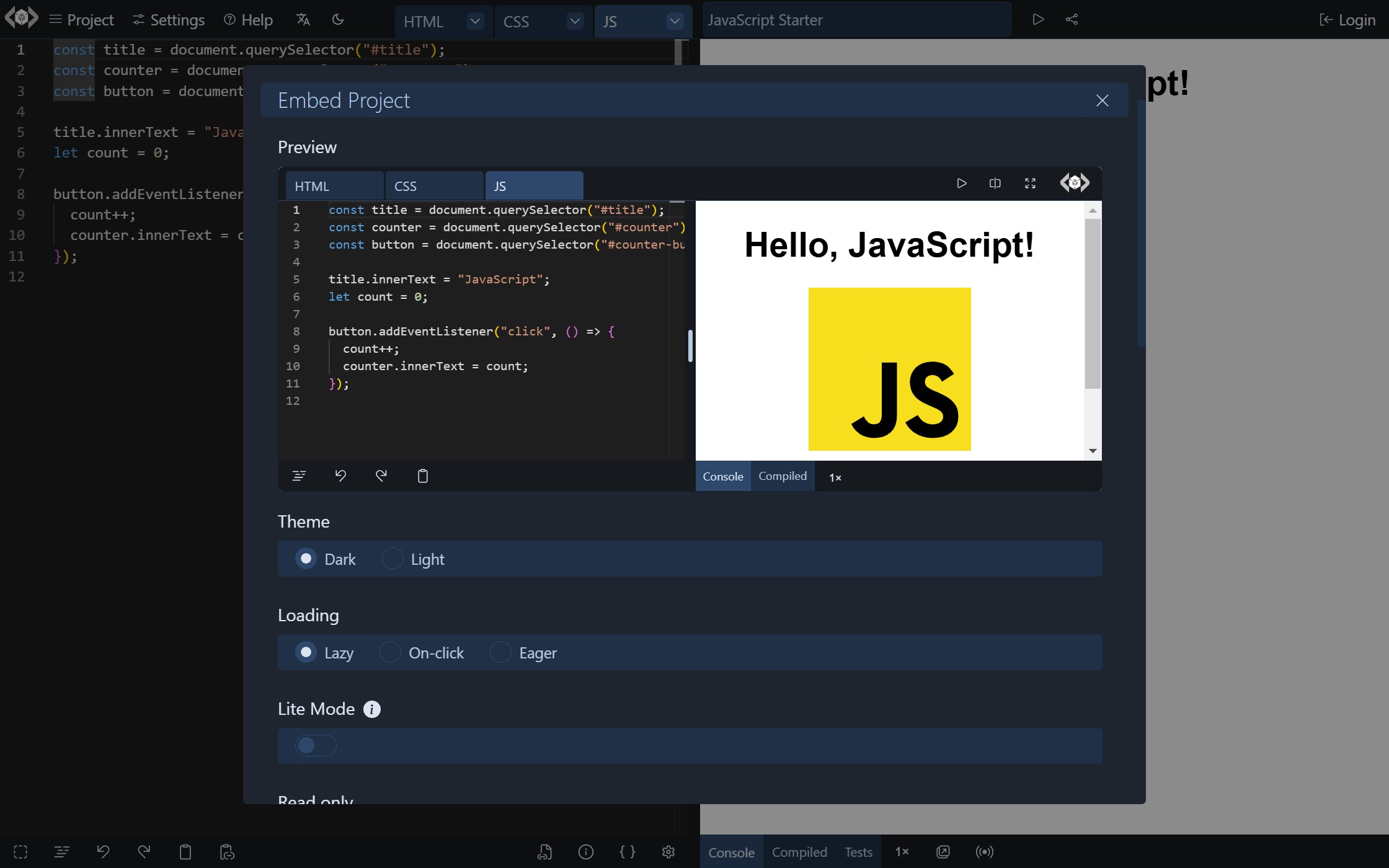
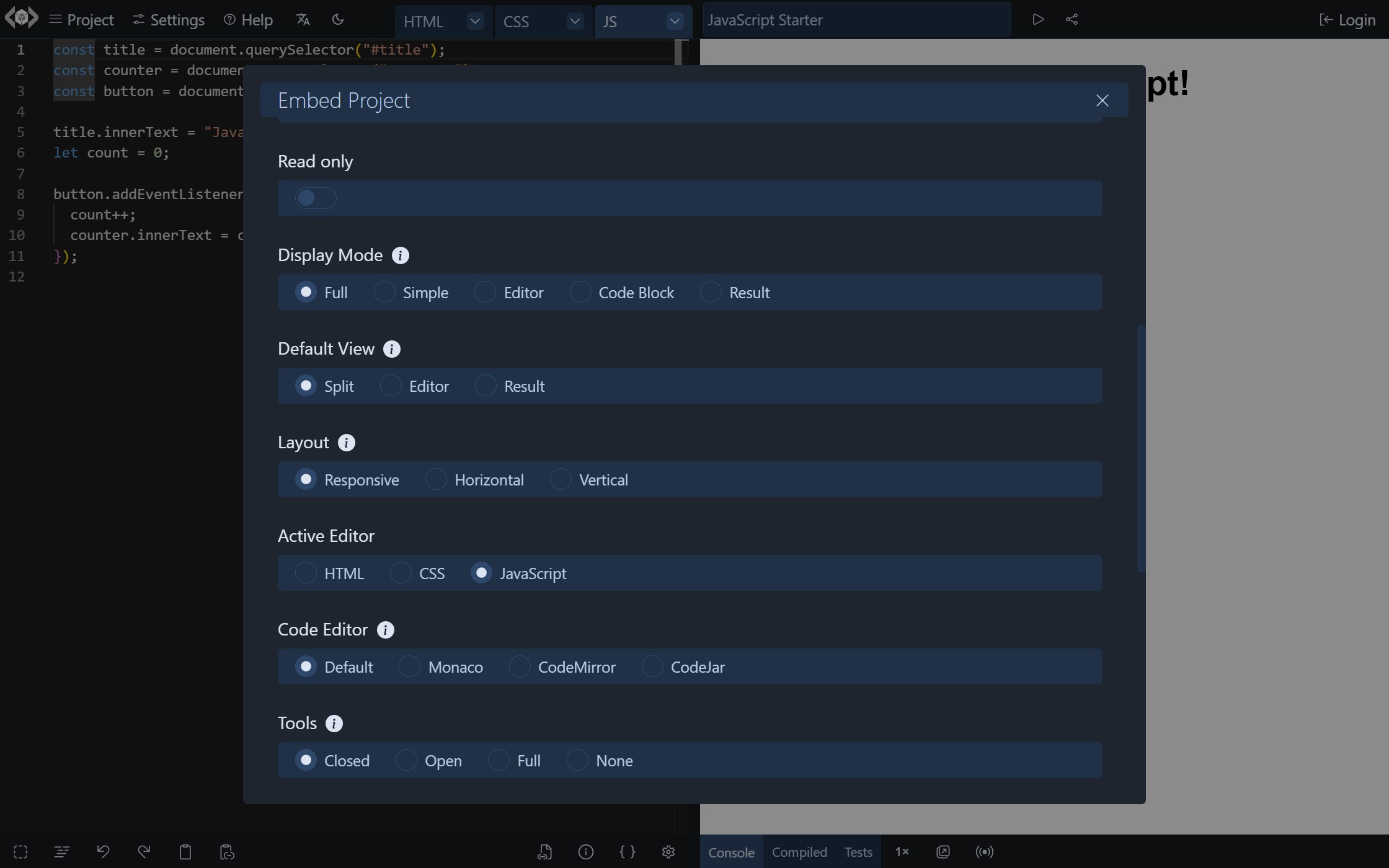
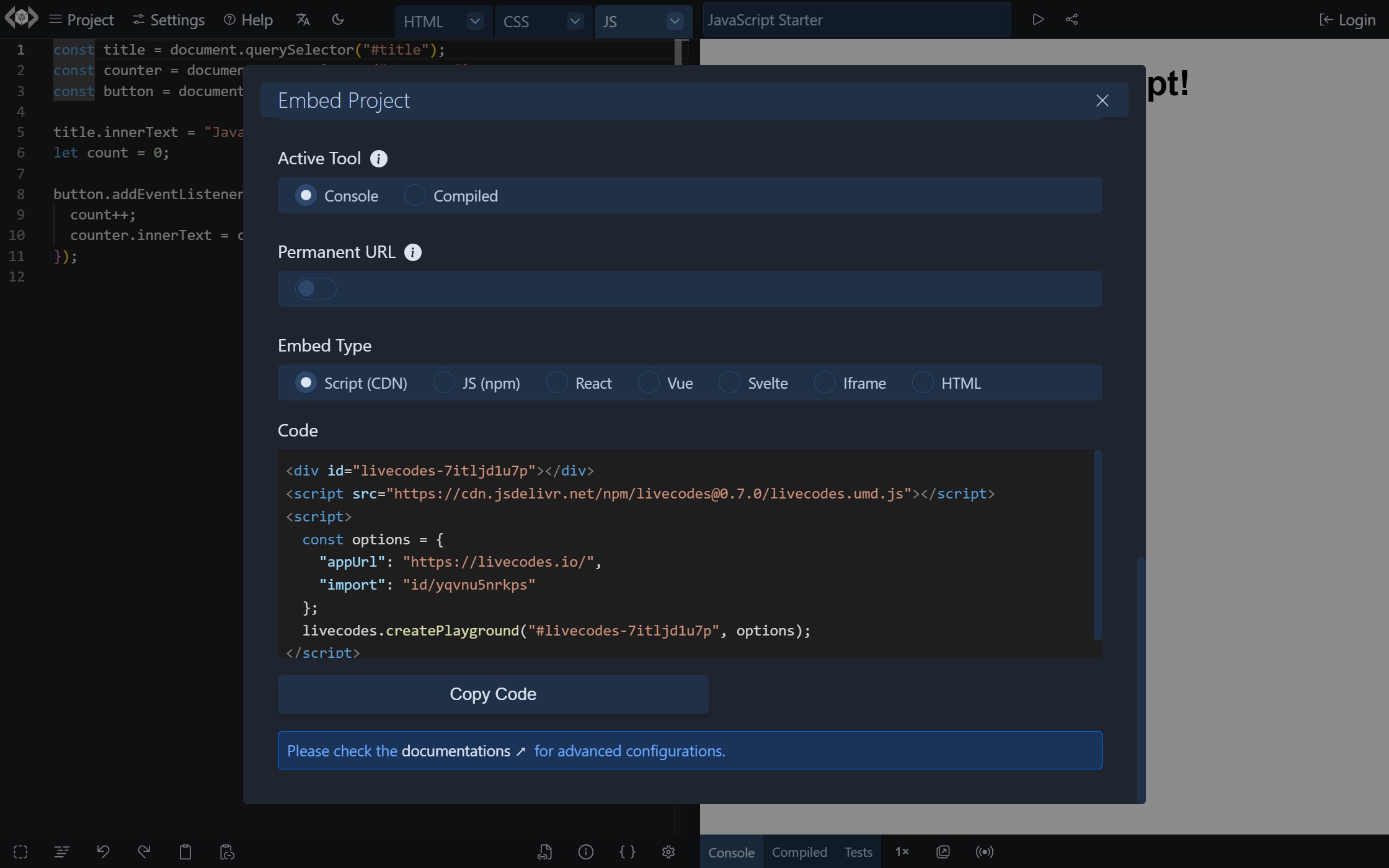
Please note that the Embed Screen sends the project code to LiveCodes share service to generate a short URL for usage in the embed code.
The setting "Embed Type" allows selection from different variations of the generated code:
- Using the SDK from CDN.
- Using the SDK with a bundler (e.g. vite, parcel, webpack, etc).
- Using the React SDK.
- Using the Vue SDK.
- Using iframe and query params.
- Using HTML code that the SDK can use to auto-prefill the playground.
SDK
The LiveCodes SDK can be used to embed playgrounds, specify embed and configuration options and allows communication with the embedded playground with many SDK methods.
This method provides more control and allows advanced scenarios.
Embed via URL
LiveCodes playgrounds can be embedded in many websites and apps simply by pasting a LiveCodes link. This works on platforms that support oEmbed (e.g. Notion and many others).
To embed a playground in a supported platform, paste a LiveCodes URL (short share URL or a URL with query params). The platform will automatically resolve the embed.
Watch a video demo.
oEmbed
LiveCodes is registered on the oEmbed provider registry. Auto-discovery is also supported via <link> meta tags, so any platform that supports oEmbed discovery can automatically embed LiveCodes playgrounds.
iframely
iframely is a popular oEmbed proxy that many platforms use. LiveCodes is supported by iframely out of the box.
WordPress
WordPress has built-in oEmbed support, but LiveCodes is not yet in the default WordPress whitelist. To add LiveCodes oEmbed support, add the following snippet to your theme's functions.php or as a must-use plugin:
add_action( 'init', function () {
  wp_oembed_add_provider(
    '!^https?://(?:[a-z0-9\-]+\.)?livecodes\.io/(?:index\.html)?(?:\?[^#]*)?(?:#.*)?$!i',
    'https://livecodes.io/oembed',
    true
  );
} );
Avoid Breaking Changes
To avoid breaking changes that would cause the embedded playgrounds to stop working as expected with later updates, follow these recommendations:
- Use a permanent URL to a pinned version of the LiveCodes app for
EmbedOptions.appUrl. The code generated in the Embed screen uses that by default. - Specify the version of the SDK used. The code generated in the Embed screen also does that.
- For project code, specify the versions of the imported packages and external resources. Custom import maps can be set to control the module import behavior.
Check the Permanent URL section for more details.
Differences from Full App
Some of the features of the full standalone app are not available or shown by default in embedded playgrounds, either because of security reasons, being not useful when embedded or because of space limitations.
Features Not Available
- All features that require saving/loading from browser storage: e.g. projects, assets, code snippets, user settings, default template/language, recover unsaved, backup/restore.
- All features that require authentication: e.g. login/logout, sync, deploy, importing from private github repos.
- Broadcast.
- App menus.
- Some tools in tools pane: e.g. open result page in new window, broadcast status.
- Welcome screen.
Features Not Shown by Default
- External resources button (below the editor) and external resources screen are only shown if the loaded project has external resources (e.g. via
EmbedOptions.config.stylesheetsandEmbedOptions.config.scripts). - Tests are not shown in tools pane unless the loaded project has tests (e.g. via
EmbedOptions.config.tests). Test editor is not available. - Loading starter templates can be achieved by the SDK (
EmbedOptions.template), not from the UI. - Importing from external sources can be achieved by the SDK (
EmbedOptions.import), not from the UI. - Getting a share URL can be achieved by the SDK (
getShareUrlmethod), not from the UI.
Security
-
All user code, result page and compilers run in sandboxed iframes with a unique origin.
-
Embedded playgrounds do not have access to the parent page, or to sensitive data like user cookies and localstorage of the embedding page origin. Communications with the SDK occur by means of
postMessagecalls.